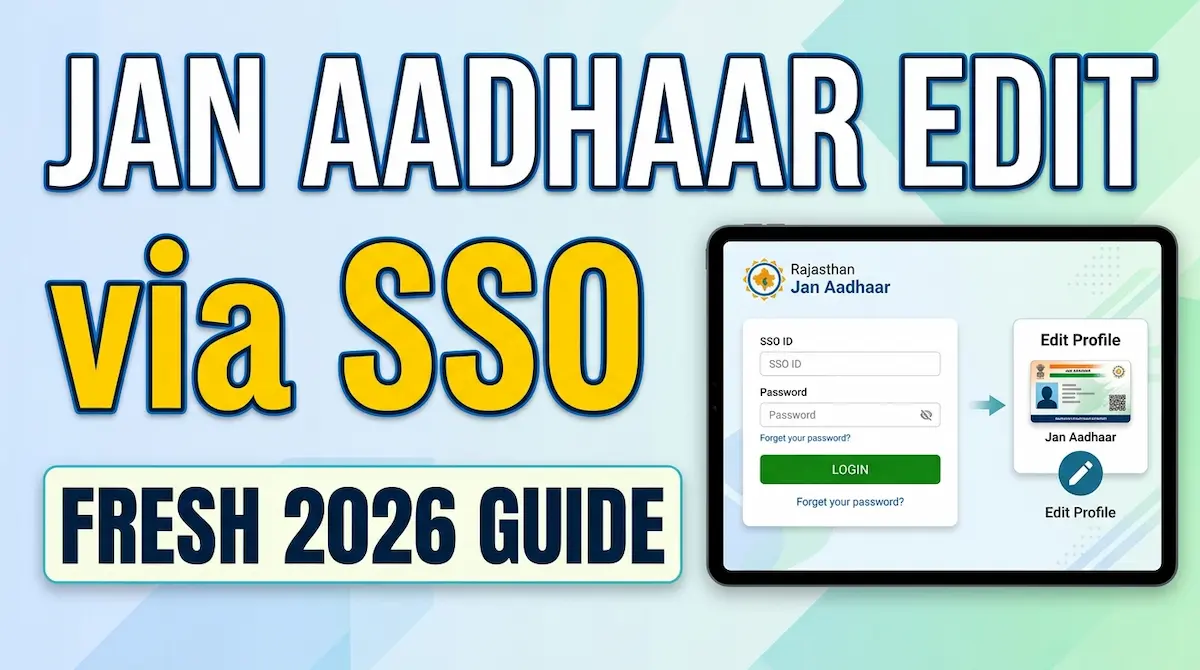
Jan Aadhaar Edit via SSO: Fresh 2026 Guide
Jan Aadhaar details should be correct before using Rajasthan government services, scholarship forms, recruitment portals, pension benefits, DBT schemes, eMitra services, or document verification. A wrong mobile number, family detail, name spelling, date of birth, or head-of-family record can delay service access.
Rajasthan residents can update Jan Aadhaar information through eMitra or their own SSO ID. The official Jan Aadhaar FAQ states that after adding the Jan Aadhaar number in the SSO profile, residents can open the Jan Aadhaar icon in Citizen Apps and make updates through Aadhaar authentication.
What Can Be Updated in Jan Aadhaar?
The official Jan Aadhaar portal lists these edit and update services:
- Edit or update details entered during Jan Aadhaar enrollment
- Add a new family member
- Change the head of family
- Split a family record
These services are listed on the Rajasthan Jan Aadhaar portal under the edit/update section.
How to Edit Jan Aadhaar Through SSO
Step 1: Login to Rajasthan SSO
Open the official Rajasthan SSO portal and sign in with your SSO ID. Use only the official portal, not third-party links shared on social media or messaging apps.
Step 2: Check Your SSO Profile
Before opening Jan Aadhaar services, make sure your Jan Aadhaar ID or enrollment number is linked in your SSO profile. The official Jan Aadhaar page says residents can also get their Jan Aadhaar number through the SSO profile section, and if the number is missing, they may update the existing enrollment ID in the profile.
Step 3: Open Citizen Apps
After login, go to Citizen Apps and select the Jan Aadhaar icon. Choose the update option that matches your need: correction, member addition, family split, or head-of-family change.
Step 4: Complete Aadhaar Authentication
Jan Aadhaar modification through SSO requires Aadhaar authentication by the head of family or an adult family member, according to the official FAQ.
Jan Aadhaar e-KYC: Why It Matters
Jan Aadhaar e-KYC digitally verifies a family member’s photo, name, date of birth, and gender through Aadhaar authentication. It is mandatory for the head of family and all members above 5 years of age.
For children below 5 years, e-KYC can be done through a Rajasthan-issued birth certificate or Aadhaar e-KYC where applicable.
When Should You Visit eMitra?
Use eMitra if you cannot complete authentication, need help with family record changes, or face errors while submitting updates. The Hindi Jan Aadhaar update page also says death, duplicate member cases, or family enrollment cancellation should be applied for through the nearest eMitra.
Read also: SSO OTR Update 2026: Fix Details Before Forms
Final Checklist Before Submitting
Check the family head, member names, mobile number, address, date of birth, gender, Aadhaar e-KYC status, and linked documents before final submission. Save the acknowledgement or request number after applying. Correct Jan Aadhaar data keeps SSO services, government schemes, and verification processes smoother in 2026.